
Capture One Pro 23 Review: A Better RAW Editor With Powerful Collaboration Tools

Capture One Pro 23 is a major improvement for professional photographers who want better RAW image editing, faster photo selection, and easier collaboration with clients. With Smart Adjustments, improved culling tools, layered Styles, and Capture One Live, it offers a compelling alternative to Adobe Lightroom. But is Capture One Pro 23 actually worth using, especially […]
RapidGrade for DaVinci Resolve Makes Cinematic Color Grading Ridiculously Fast

Color grading in DaVinci Resolve can be incredibly powerful, but building a polished cinematic look often means creating a large node tree, testing LUTs, fixing skin tones, and adjusting several tools separately. RapidGrade tries to compress that entire creative process into a single OpenFX node. It gives editors and colorists a collection of customizable looks, […]
FLUX 3 Just Broke Out, and It Could Be the AI Model That Dethrones Seedance
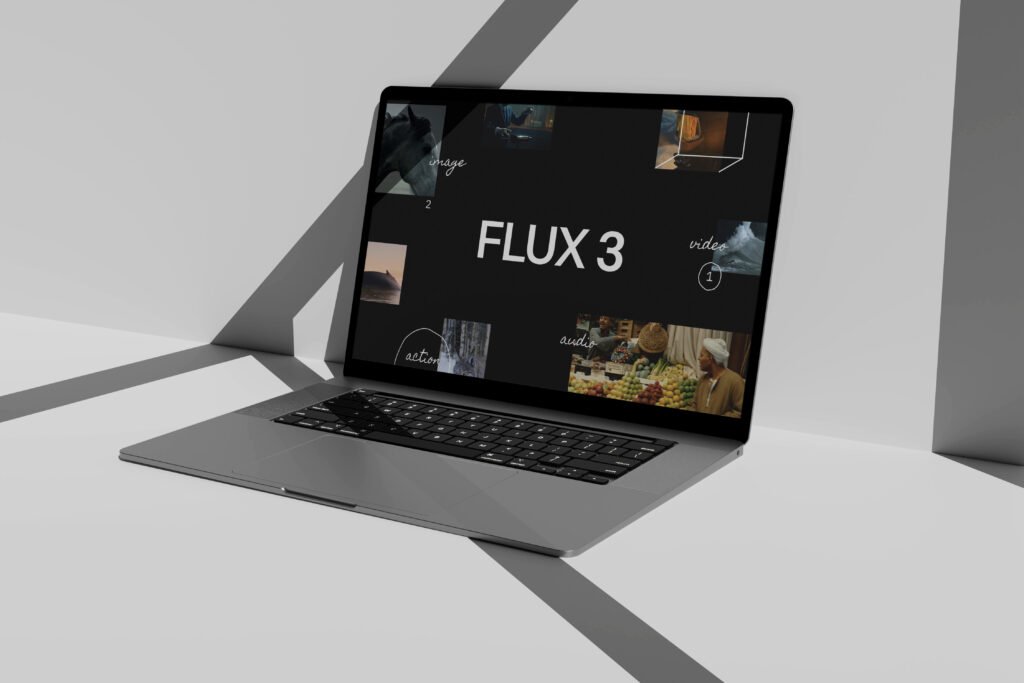
Black Forest Labs has officially revealed FLUX 3, and this is much bigger than another image-generation upgrade. The new multimodal model can generate video with native audio, work from image and video references, create multilingual dialogue, edit images, and even provide the foundation for robots that operate in real factories. Right now, FLUX 3 Video […]
Apple May Skip M6 Pro and M6 Max, and That Changes the MacBook Pro Story
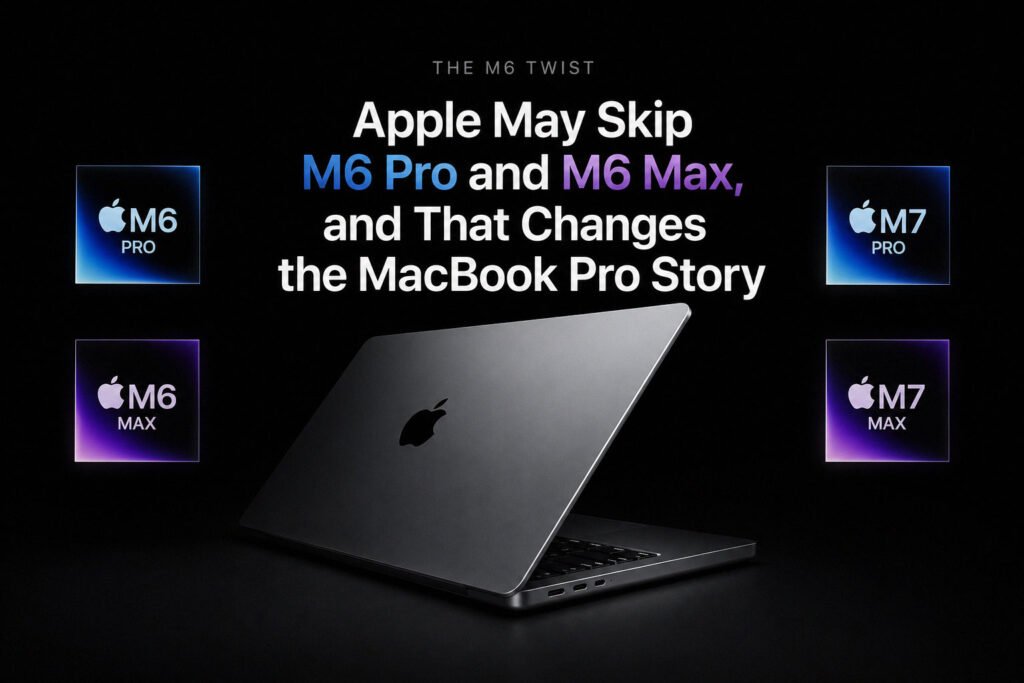
Apple may release the standard M6 chip without following it with M6 Pro or M6 Max. Instead, current reports suggest the company could move its higher-performance Macs directly from M5 Pro and M5 Max to the M7 generation in 2027. A base 14-inch M6 MacBook Pro is still expected in late 2026, but higher-end buyers […]
M6 MacBook Pro Release Date: Late 2026 or Already Pushed to 2027?
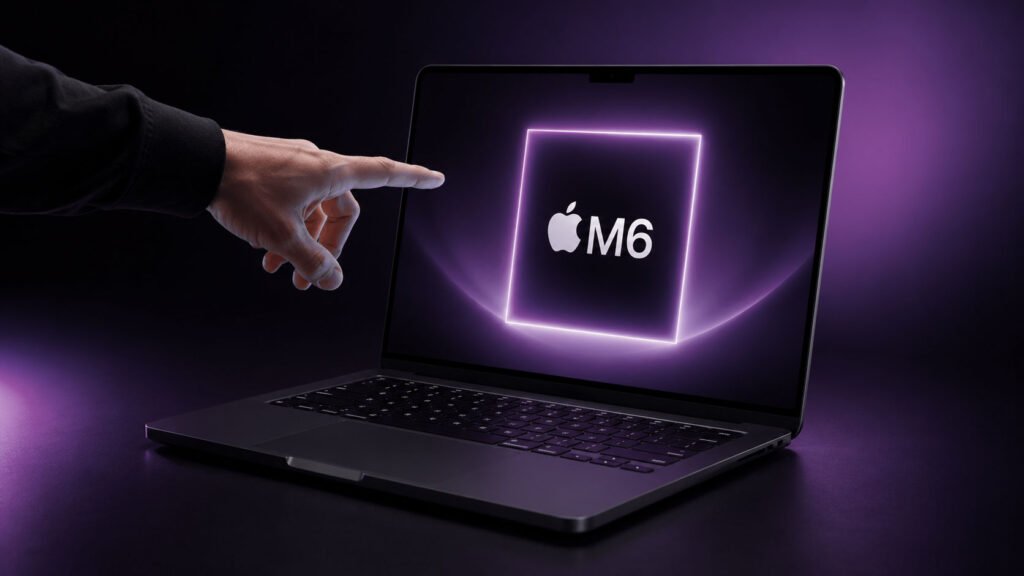
The MacBook Pro M6 release date is currently expected in fall or late 2026, not 2027. The confusion comes from Apple’s increasingly complicated MacBook roadmap. A base 14-inch model with M6 may arrive first, while redesigned OLED MacBook Pro models and a redesigned base M7 version could follow during 2027. M6 MacBook Pro release timeline […]
M6 MacBook Pro: Release Date, Design and Latest Rumors
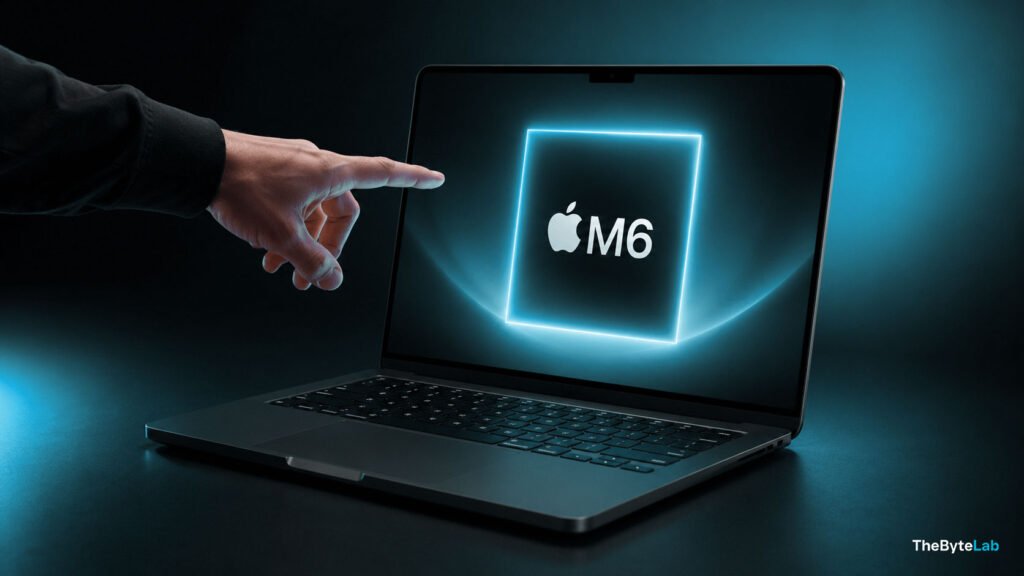
Apple’s first M6 MacBook Pro is currently expected to be an updated base 14-inch model launching in late 2026. It may introduce Apple’s first 2nm Mac chip, but it is not expected to include the major OLED touchscreen redesign. Apple may also skip M6 Pro and M6 Max entirely, making this a much smaller and […]
MacBook M6 Release Date: Which Mac Gets It First?
The first MacBook M6 is currently expected to be a base 14-inch MacBook Pro in late 2026. The M6 MacBook Air is more likely to follow in early 2027, probably around March if Apple keeps its recent annual Air schedule. Apple has not confirmed either release, so these dates remain reported or predicted rather than […]
Chrome Using Too Much RAM on Mac? 7 Fixes That Actually Help
Chrome can run smoothly with a few tabs open, then suddenly make your Mac feel slow once you add Gmail, YouTube, Figma, Slack, Google Docs, and a handful of extensions. High RAM use does not automatically mean something is broken. Modern browsers use available memory to keep pages responsive. The real warning signs are delayed […]
Safari vs Chrome With 20, 50, and 100 Tabs Open: Which Browser Slows Down First?

Opening a few tabs is easy for any modern browser. The real performance test begins when those tabs turn into 20, 50, or even 100 pages running inside one window. Safari and Chrome manage heavy tab usage differently. Safari is designed specifically for Apple hardware, while Chrome uses features such as Memory Saver to deactivate […]
PS5 Emulator Boots Astro Bot on PC: Huge Breakthrough
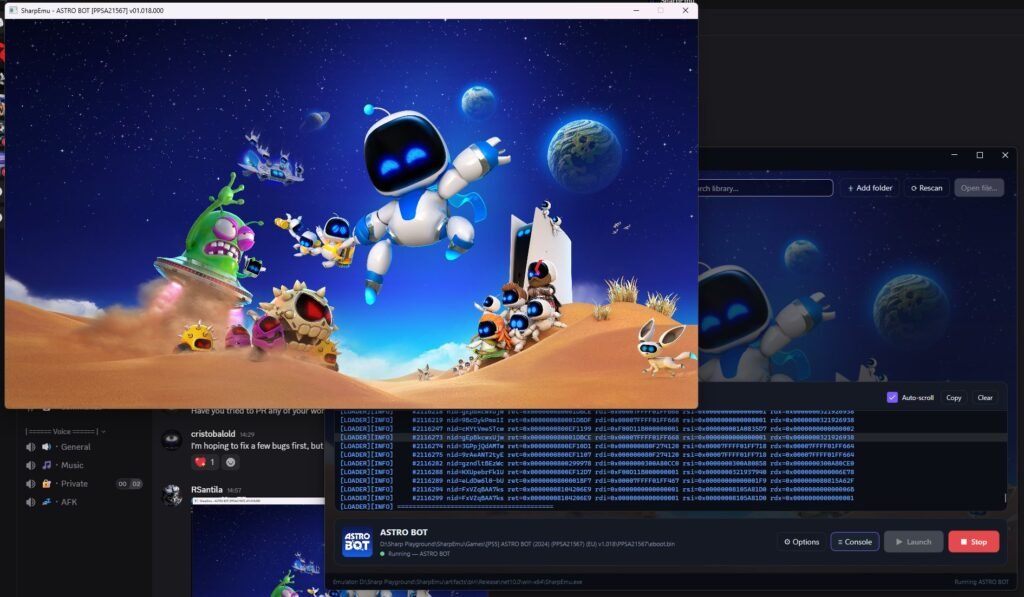
The future of PS5 gaming on PC just reached an exciting new stage. A PS5 Emulator project called SharpEmu has reportedly managed to boot Astro Bot on Windows PC. Astro Bot is one of Sony’s biggest PlayStation 5 exclusives. Therefore, seeing the game launch through this new emulation project has created major excitement among PC […]