
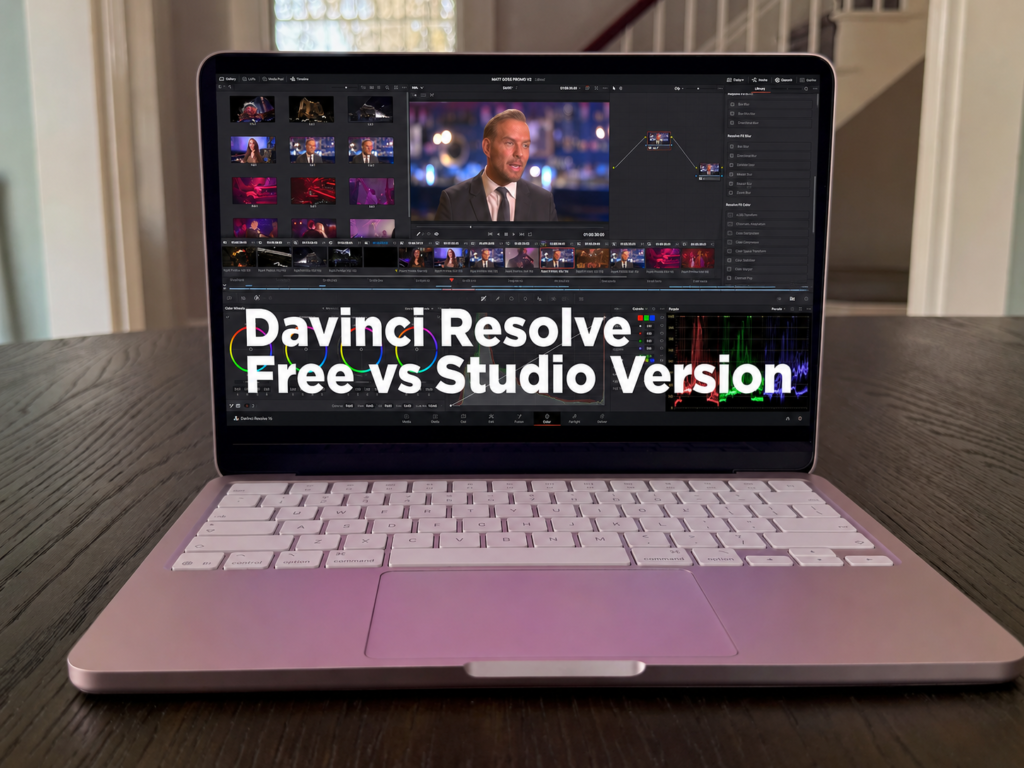
Here’s the strange thing about DaVinci Resolve. The free version is so good that it makes the paid one confusing. Most editing software gives you a watered-down free tier with a watermark slapped across your export, basically nagging you to pay. Resolve doesn’t do that. The free version is a full editing suite that real productions actually use.
So when people start comparing DaVinci Resolve vs DaVinci Resolve Studio, the question isn’t really “what’s different.” It’s “is the difference worth $295 to me, specifically.” That’s a harder question, and most comparison posts dodge it by handing you a 30-item feature table and walking away.
Let’s not do that. I’ll tell you what you get for free, the handful of Studio features that actually matter, and how to decide without overthinking it.
What You Actually Get for Free
First, let’s kill the idea that the free version is a demo. It isn’t.
You get the full Cut, Edit, Color, Fusion, and Fairlight pages. That means real editing, the color grading tools Resolve is famous for, audio mixing, and visual effects, all in one app without round-tripping between programs. No watermark. No time limit. No “trial expired” popup three weeks in.
The main wall you’ll hit is resolution and frame rate. As Storyblocks lays out in their version breakdown, the free version caps export at 4K UHD (3840×2160) at up to 60fps. For a huge chunk of creators, that ceiling never gets in the way. If you’re putting videos on YouTube, that’s already more than the platform needs.
Honestly, for most people doing standard editing work, the free version covers the whole job. That’s not me being generous. It’s used on actual film and TV productions.
What Does DaVinci Resolve Studio Add?
Studio includes everything in free, then stacks more on top. The official feature list is long, well over 30 additions. But most of those extras don’t matter to most people. A few genuinely do.
Here’s the honest shortlist:
GPU-accelerated noise reduction. In the free version, noise reduction runs on your CPU, which is noticeably slower on messy footage. Studio moves it to the GPU and adds proper temporal and spatial reduction. If you shoot in low light a lot, this one earns its keep.
AI Magic Mask. This is the Neural Engine tool Toolfarm highlights in their deep dive, and it’s a real time-saver. It isolates a person or object automatically so you can grade or mask them without tracing by hand frame by frame.
Speed Warp. Cleaner slow motion using AI-generated frames, instead of the choppy result you get otherwise.
On top of that, you get higher resolutions and frame rates (up to 32K and 120fps), multi-GPU rendering for faster exports, and full HDR delivery. These are some of the AI-powered editing tools doing the heavy lifting in Studio. One reviewer put it bluntly: if GPU noise reduction, Magic Mask, and Speed Warp aren’t part of your regular workflow, the free version handles everything. I think that’s the most useful way to look at it.
Is DaVinci Resolve Studio Worth It?
Now the money question. Studio is $295, one time. Not a subscription. You buy it, you own that version, and major updates within that version are free.
That framing matters. Compare it to Premiere Pro, which keeps charging you every month forever. As the pricing math in this 2026 guide shows, Studio basically pays for itself versus a subscription in a little over a year. After that, you’re not paying anything. If you edit seriously for the long haul, the one-time cost is easy to justify.
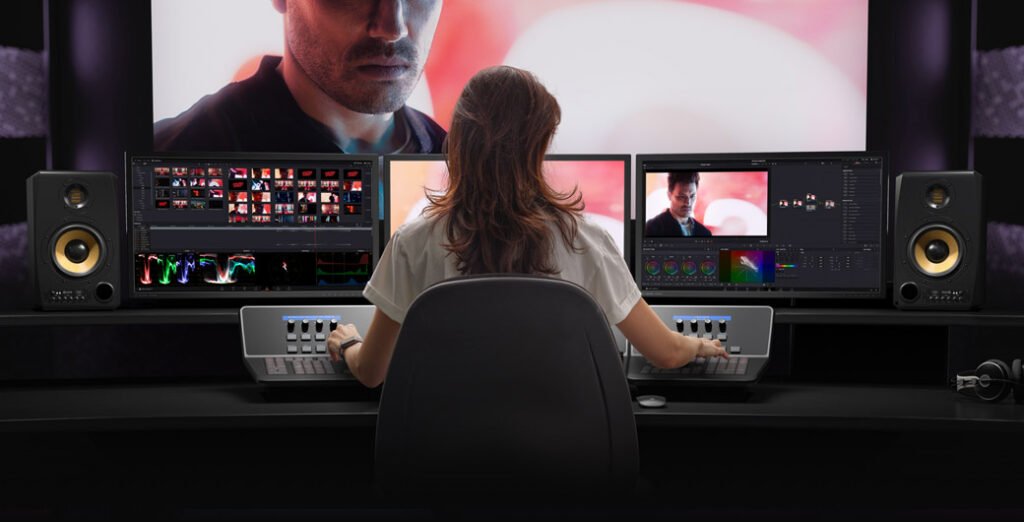
So who should actually buy it? If you grade noisy footage often, do paid client work, need 8K or HDR delivery, or want faster render and export speeds from multiple GPUs, Studio is worth it without much debate.
Who shouldn’t? If you’re learning, posting to YouTube, and editing clean daytime footage, you’d be paying $295 for tools you won’t touch. Hold onto your money until you actually hit a wall.
How Do You Decide Between Free and Studio?
The decision rule is simple: start free, upgrade only when you hit a specific wall.
Don’t buy Studio “just in case.” Use the free version until something concrete stops you. A render that needs 8K. Noise you can’t clean fast enough. A slow-motion shot that looks rough. When that happens, you’ll know exactly which Studio feature you’re paying for, and the $295 will feel obvious instead of speculative.
One tip worth knowing: Studio licenses come bundled free with a lot of Blackmagic hardware. If you ever buy one of their cameras or capture devices, check the box first. You might already own it. If you want to see how this stacks up against other tools, our software comparisons cover more of these head-to-heads.
The Bottom Line
A few things to take away. The free version of DaVinci Resolve is a complete, professional editing suite, not a trial, and it’s enough for most people. Studio’s real value lives in three features: GPU noise reduction, Magic Mask, and Speed Warp, plus higher resolutions and faster rendering. And because it’s a one-time $295 purchase, it pays off over time if you edit seriously.
If you’ve already hit that wall and know Studio is right for you, get DaVinci Resolve Studio at a discount price here and skip paying full retail.
13 Responses
its great
sudo spctl –master-enable
great
its asking for activation key
what is the code to open the file
super free studio
super free studio
good
teckm447@gmail.com
good