
Chrome Using Too Much RAM on Mac? 7 Fixes That Actually Help
Chrome can run smoothly with a few tabs open, then suddenly make your Mac feel slow once you add Gmail, YouTube, Figma, Slack, Google Docs, and a handful of extensions. High RAM use does not automatically mean something is broken. Modern browsers use available memory to keep pages responsive. The real warning signs are delayed […]
How to Speed Up a Slow MacBook: 12 Fixes That Actually Work
You know the moment. You click an app, and instead of opening, you get the spinning beachball. Or you’re mid-task and a “Storage Almost Full” banner slides in like an uninvited guest. A slow MacBook is one of those things that creeps up on you, and by the time you notice, it feels like the […]
MacBook Pro 2016 Backlight Issue (Flexgate): What It Is, How to Spot It, and What to Do in 2026

If your MacBook Pro’s screen is doing something weird at the bottom, like a dim strip that looks like stage lighting, or the display goes completely dark when you open the lid past a certain angle, you’re probably dealing with the MacBook Pro 2016 backlight issue. It has a name: Flexgate. And it’s not your […]
MacBook Neo Thermal Throttling: The $20 Fix Apple Won’t Tell You About
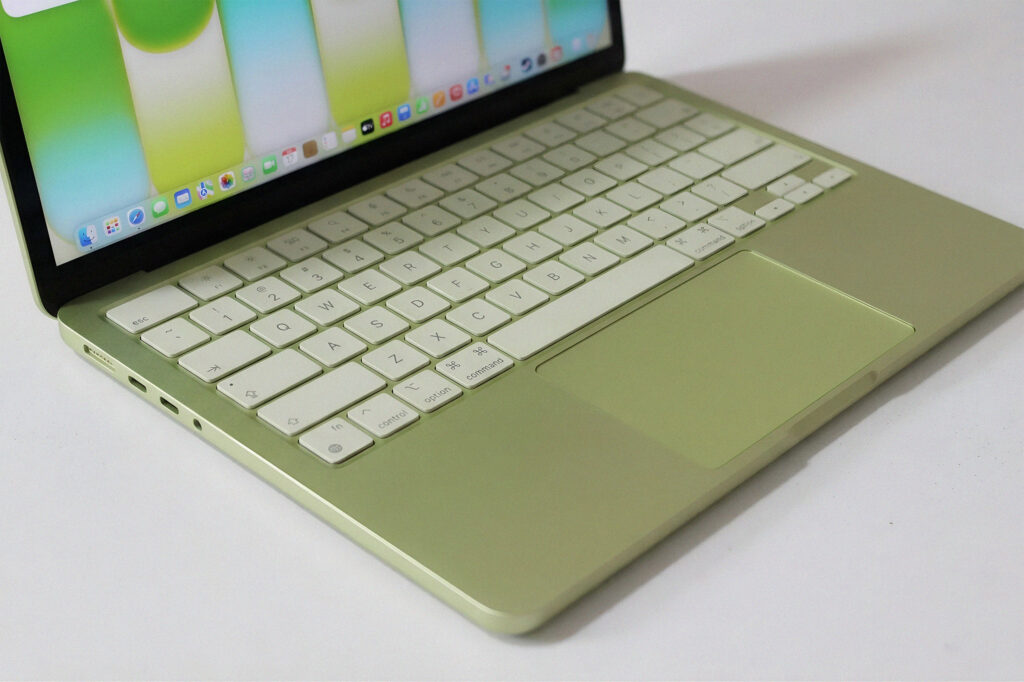
You just dropped over a thousand dollars on a MacBook. Maybe more. And now it’s hot to the touch, the fans are screaming (or suspiciously silent), and everything feels sluggish on tasks it should handle without breaking a sweat. That’s macbook overheating territory. And if you own a MacBook Neo, there’s a specific reason it’s […]
MacBook Screen Flickering: How to Tell If It’s Software or Hardware (and Fix It)
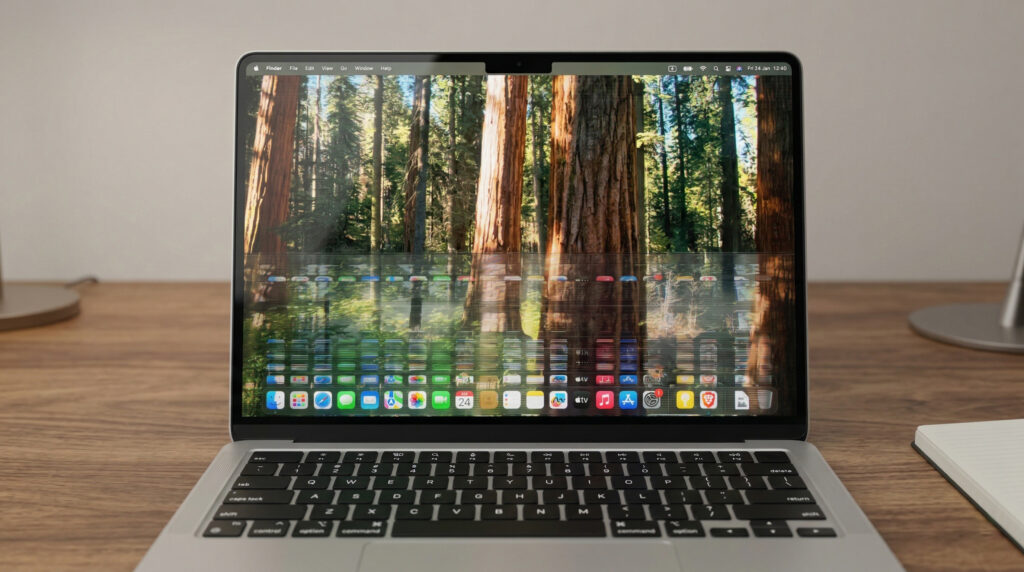
MacBook screen flickering is one of those display issues mac users tend to panic about immediately. And honestly, that reaction makes sense. You’re mid-project, your screen starts strobing like a broken streetlight, and your brain jumps straight to “expensive repair.” Here’s the thing though: most cases of MacBook screen flickering are software-related. And software problems […]