
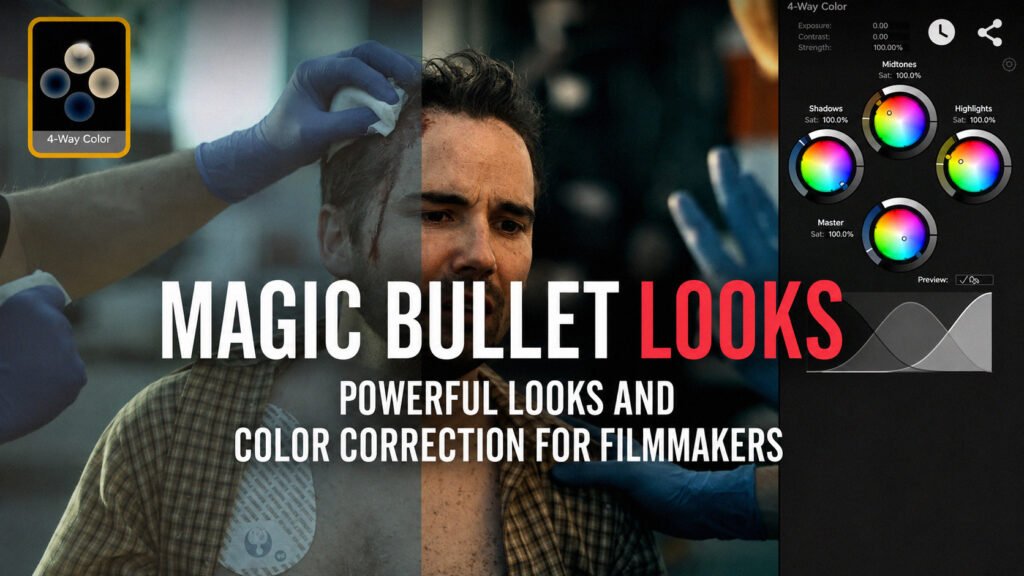
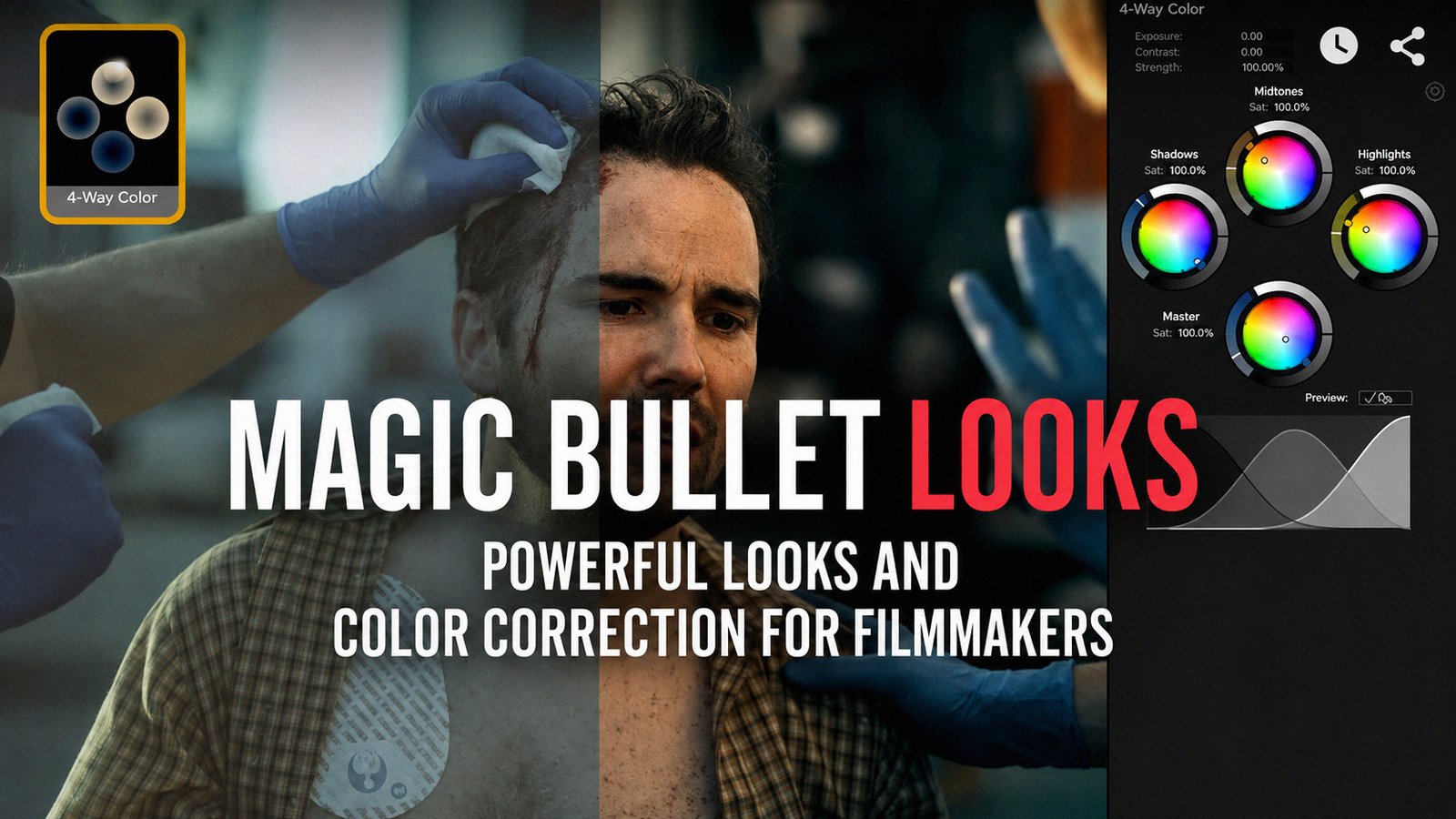
If you have spent any time watching color grading or After Effects tutorials, you have probably seen Magic Bullet Suite or Magic Bullet Looks mentioned somewhere. Magic Bullet is a collection of color correction, film emulation, and finishing tools from Red Giant, now part of Maxon. Magic Bullet Looks is the plugin most people recognize because it lets editors apply cinematic presets, work with LUTs, build custom grades, add film grain, halation, diffusion, and other finishing effects without leaving their editing application.
The confusing part is that Maxon has changed how these plugins are packaged and installed. Older tutorials may not match what you see today, so this guide also explains the current After Effects setup and compatibility.
What Is Magic Bullet Suite?
Magic Bullet Suite originally referred to Red Giant’s collection of plugins focused on color correction, creative grading, film emulation, skin work, denoising, and image finishing. The classic family included Magic Bullet Looks, Colorista, Cosmo, Denoiser, Film, Mojo, and Renoiser.
Current Red Giant tools are no longer installed as separate modern suites in the same way older versions were. Maxon moved Magic Bullet, Trapcode, VFX, and Universe into a unified Red Giant installation system, as explained in its Red Giant installation guidance.
Older perpetual Magic Bullet Suite releases still exist, but Maxon now treats those older products as legacy software. This matters if you own an older license or are trying to follow an installation tutorial made several years ago.
What Is Magic Bullet Looks?
Magic Bullet Looks is the creative color grading plugin most people associate with the Magic Bullet name. At the simplest level, you can open the plugin, choose a preset, make a few adjustments, and quickly give footage a more finished look.
That sounds similar to applying a LUT, but Looks goes further. Maxon currently provides hundreds of customizable presets, and the plugin lets you build a look from multiple adjustable tools rather than relying on one fixed transformation. You can explore the current feature set on the official Magic Bullet Looks page.
More Than Just Cinematic Presets
Magic Bullet Looks can be used for quick styling, but the useful part is the control underneath the presets. Depending on the look you are building, you can work with exposure, contrast, color balance, hue adjustments, film-style treatments, diffusion, halation, grain, LUTs, and other finishing tools.
How the Looks Toolchain Works
Magic Bullet Looks uses a modular approach. You can stack tools, adjust them independently, remove what you do not need, and save your result for later projects. Maxon’s Magic Bullet Looks documentation explains how the toolchain is built and edited.
Which Plugins Are Part of the Magic Bullet Family?
The exact packaging has changed over time, but the Magic Bullet family is known for a group of color and finishing tools with different jobs.
- Magic Bullet Looks: creative color grading, presets, LUTs, and cinematic finishing.
- Colorista V: color correction and shot balancing.
- Cosmo II: skin cleanup and cosmetic adjustments.
- Denoiser III: reducing visible noise in footage.
- Magic Bullet Film: film-inspired color and texture.
- Mojo II: faster cinematic color treatments.
- Renoiser: adding controlled grain and texture.
How Does Magic Bullet Looks Work in After Effects?
Magic Bullet Looks After Effects workflows are still popular because the plugin lets you grade a shot without leaving the application. The basic setup is simple once Red Giant is installed correctly.
- Install Red Giant through the Maxon App.
- Restart After Effects if it was already open.
- Import your footage and create a composition.
- Select the clip or create an adjustment layer.
- Open the Effects menu and look for the current Red Giant color category.
- Apply Magic Bullet Looks.
- Open the Looks interface and choose a preset or build a grade manually.
Where Is Magic Bullet Looks in After Effects?
This is one area where older tutorials can be misleading. Some older videos show a separate Magic Bullet folder. Current Red Giant versions organize the tools differently. Maxon says the products were regrouped into functional categories, with Magic Bullet color tools appearing under RG Color. You can see Maxon’s explanation in its Red Giant folder change guide.
If Magic Bullet Looks is not showing where an old tutorial says it should be, check the current RG Color category before assuming the plugin failed to install.
Does Magic Bullet Looks Work With After Effects 2026?
Current Red Giant 2026 compatibility information lists modern versions of Adobe After Effects as supported hosts for Red Giant tools. Maxon also maintains a Red Giant compatibility page that is worth checking before installing, especially after a major Adobe, Windows, or macOS update.
Legacy Magic Bullet Suite versions are different. They were built for older host applications and operating systems, so compatibility with current Adobe releases is not guaranteed.
Which Apps Support Magic Bullet Looks?
Magic Bullet Looks is useful partly because it works across several professional creative applications. Current Maxon compatibility information includes support across applications such as Adobe After Effects, Adobe Premiere Pro, DaVinci Resolve, Final Cut Pro and Motion, Avid Media Composer, Cinema 4D, and other supported hosts.
Always check the current compatibility chart before updating a production system, because host application support can change.
How to Download and Install Magic Bullet Looks
If you are searching for an MBL download or Magic Bullet Looks plugin download, the safest option for the current version is Maxon’s official installer. Avoid random third-party download pages, especially for plugins that integrate deeply with Adobe or other host applications.
- Download and install the Maxon App from Maxon.
- Sign in with the account connected to your license or subscription.
- Locate Red Giant in the Products section.
- Install the current Red Giant package.
- Allow the installer to detect compatible host applications.
- Restart After Effects, Premiere Pro, or your other supported application.
Maxon’s installation instructions cover the current setup process.
If you own an older perpetual license, use Maxon’s official legacy support process instead of mixing random old installers with current Red Giant components. Mixing incompatible versions can create plugin conflicts or missing components.
Magic Bullet Looks vs a LUT: What’s the Difference?
A LUT and Magic Bullet Looks can both change the appearance of footage, but they are not the same thing.
A LUT is mainly a predefined mapping from one set of color values to another. It can be useful for log conversion, previews, matching a known transform, or applying a quick creative style.
Magic Bullet Looks gives you an editable processing chain around the grade. You can use a LUT, then add contrast, grain, diffusion, halation, color changes, and other tools around it. That makes the result easier to customize from shot to shot.
If all you need is a basic conversion LUT and a few manual corrections, you may not need the plugin. Looks makes more sense when you want repeatable styles with more control.
Is Magic Bullet Suite Worth Using in 2026?
It depends on where you already do your color work. If most of your projects stay inside After Effects or Premiere Pro, Magic Bullet Looks can be convenient because you do not need to move every shot into a separate grading application just to create a polished style.
It makes the most sense if you:
- work heavily in After Effects or Premiere Pro;
- want reusable cinematic looks;
- use LUTs but want more control around them;
- want grain, diffusion, halation, and grading tools in one workflow;
- work across several supported creative applications.
That said, not everyone needs it. DaVinci Resolve already includes deep color grading tools, and many editors can do everything they need without a third-party grading plugin. If you are deciding whether Resolve Studio adds enough extra value for your workflow, our DaVinci Resolve vs DaVinci Resolve Studio comparison explains the differences.
If film emulation is your main priority, you may also want to look at Dehancer Pro for DaVinci Resolve. For a broader After Effects effects package rather than a dedicated grading tool, our Boris FX Sapphire review covers another popular creator plugin suite.
Frequently Asked Questions
Is Magic Bullet Looks Part of Magic Bullet Suite?
Yes. Magic Bullet Looks has historically been one of the main products in the Magic Bullet family. Current users generally access it through Maxon’s Red Giant ecosystem rather than through a separate modern Magic Bullet Suite installer.
Is Magic Bullet Looks Available for After Effects?
Yes. Current Red Giant compatibility information includes Adobe After Effects as a supported host for Magic Bullet Looks. Check Maxon’s current compatibility page before major application updates if you rely on the plugin for client work.
Where Is Magic Bullet Looks in After Effects?
On current Red Giant installations, look under the RG Color category. Older tutorials may show a separate Magic Bullet folder because Red Giant reorganized its plugin categories.
Is Magic Bullet Suite Discontinued?
Older standalone and perpetual Magic Bullet Suite releases are now legacy products, but the main Magic Bullet color tools continue to exist inside Maxon’s current Red Giant offering.
Does Magic Bullet Looks Work With DaVinci Resolve?
Yes, current Maxon compatibility information includes DaVinci Resolve as a supported host for Magic Bullet Looks. Compatibility can vary by exact Resolve and Red Giant version, so check the current Maxon chart before updating a working system.
Can You Create Your Own Magic Bullet Looks?
Yes. Presets are only a starting point. You can modify the individual tools in a look, build your own processing chain, and save custom looks for future projects.
Conclusion
Magic Bullet Suite is still a useful name to know, but the way the tools are packaged has changed. Older standalone Suite releases are now legacy software, while Magic Bullet Looks and related color tools live inside Maxon’s current Red Giant ecosystem.
Magic Bullet Looks still makes the most sense for creators who want fast, reusable cinematic grading inside applications such as After Effects and Premiere Pro. If you already do all of your grading inside DaVinci Resolve, you may not need it. But if you want something more flexible than LUTs without constantly leaving your editing timeline, Magic Bullet Looks still fills that gap well.

One Response
thanks boss