
Magic Bullet Suite: What It Is, What’s Included & How Magic Bullet Looks Works
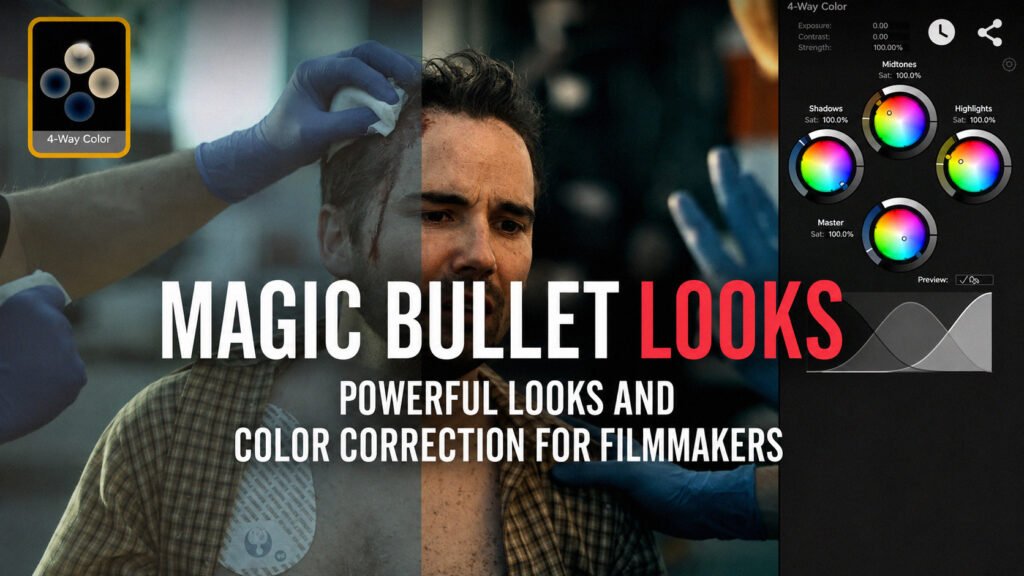
A practical Magic Bullet Suite guide covering Magic Bullet Looks, included plugins, After Effects setup, compatibility, installation, and alternatives.
FL Studio Price: How Much Does FL Studio Cost in 2026?
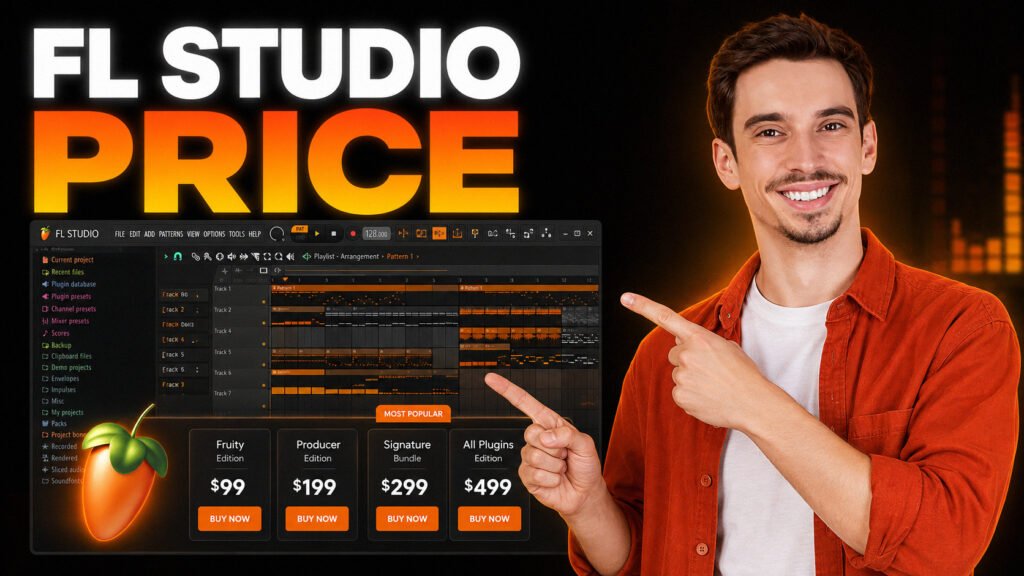
Compare FL Studio prices, editions, features, and upgrade options to find the best version for your music production workflow and budget.
Is DaVinci Resolve Free? Limits, Watermark, Price & What You Get
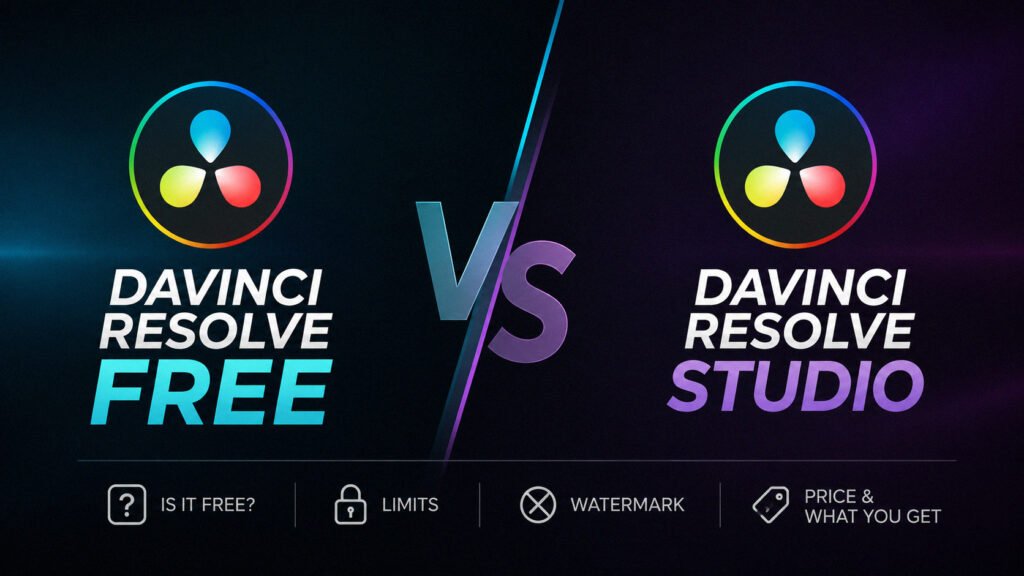
Is DaVinci Resolve free? See what the free version includes, its 4K and 60 fps limits, watermark rules, Studio price, and upgrade reasons.
DaVinci Resolve Studio Dongle vs Activation Key: Which Should You Buy?

Choosing between a DaVinci Resolve Studio dongle and activation key? Compare device limits, offline use, portability, and the best fit.
RapidGrade for DaVinci Resolve Makes Cinematic Color Grading Ridiculously Fast

Color grading in DaVinci Resolve can be incredibly powerful, but building a polished cinematic look often means creating a large node tree, testing LUTs, fixing skin tones, and adjusting several tools separately. RapidGrade tries to compress that entire creative process into a single OpenFX node. It gives editors and colorists a collection of customizable looks, […]
Chrome Using Too Much RAM on Mac? 7 Fixes That Actually Help
Chrome can run smoothly with a few tabs open, then suddenly make your Mac feel slow once you add Gmail, YouTube, Figma, Slack, Google Docs, and a handful of extensions. High RAM use does not automatically mean something is broken. Modern browsers use available memory to keep pages responsive. The real warning signs are delayed […]
DaVinci Resolve vs DaVinci Resolve Studio: Worth $295?
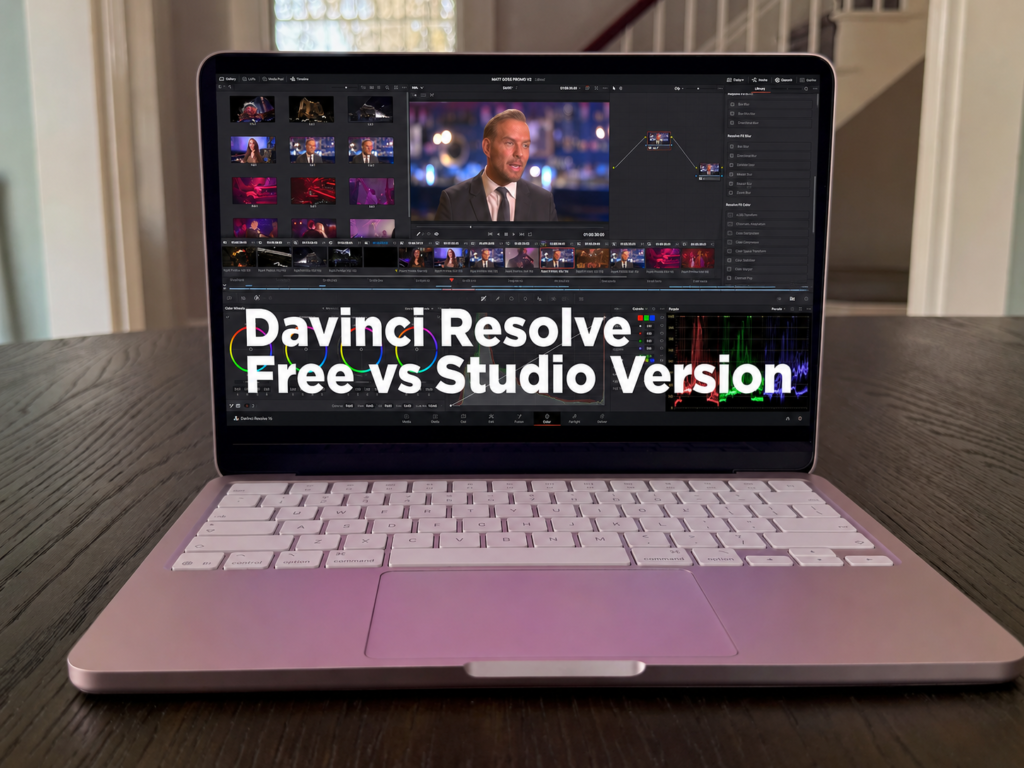
Here’s the strange thing about DaVinci Resolve. The free version is so good that it makes the paid one confusing. Most editing software gives you a watered-down free tier with a watermark slapped across your export, basically nagging you to pay. Resolve doesn’t do that. The free version is a full editing suite that real […]
How to Take a Screenshot on a MacBook: The 3 Methods You’ll Actually Use
Most people learn one screenshot shortcut on their MacBook and never look further. That works fine, until it doesn’t. You go to grab a part of the screen and you’re stuck with a full-screen dump. You need to share something quickly and you end up attaching a file when pasting would have been faster. Or […]