
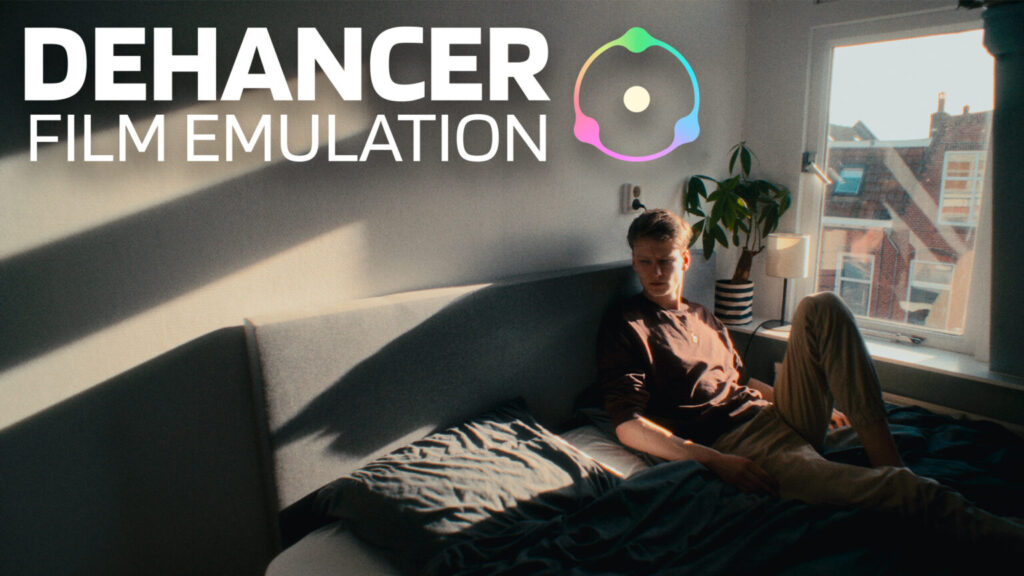
If you’ve spent any time looking into how to get that cinematic film look on your footage, you’ve probably come across the Dehancer Pro plugin. It shows up everywhere… YouTube reviews, Reddit threads, filmmaker forums. And most of those recommendations come with a discount code attached.
So I wanted to cut through the noise. What does the Dehancer Pro plugin actually do, where does it genuinely shine, and is it worth dropping $699 on a lifetime license? Let’s break it down.
What Is the Dehancer Pro Plugin?
Dehancer Pro is a film emulation plugin that works with Premiere Pro, After Effects, DaVinci Resolve, and Final Cut Pro. But calling it a “film emulation plugin” undersells what it’s doing under the hood.
Unlike a LUT, which just remaps your colors to approximate a look, Dehancer tries to emulate the entire photochemical process of film. That means it’s modeling how light hits the emulsion, how the negative gets developed, and how the final print looks. The result is something that feels fundamentally different from slapping a preset on your timeline.
It currently ships with 60+ film stock profiles based on real lab data, covering everything from Kodak Vision3 and Portra to Fuji Velvia and Ilford black and white stocks. On top of that, you get grain, halation, bloom, film damage, overscan, and a LUT generator. It’s a deep toolset.
What Does Dehancer Pro Actually Do Well?
Film Compression and Highlight Rolloff
This is where Dehancer earns its reputation. If you shoot in S-Log3 or any log profile, your footage has more highlight detail than it looks like it does. Standard LUTs crush that detail during the color transform. Dehancer’s Film Compression preserves it by rolling off highlights the way actual film does… gentle and organic, not a hard digital clip.
For anyone working with tricky highlight situations (weddings, outdoor shoots, mixed lighting), this alone can save you hours of manual grading.
Grain That Behaves Like Real Film
Most grain overlays are static textures layered on top of your footage. Dehancer’s grain algorithm is different. It reacts to brightness and color in the image, just like real film grain does. Brighter areas get finer grain, shadows get heavier texture. Across the filmmaking community, this is consistently called out as one of Dehancer’s strongest features, and it’s hard to replicate natively in any NLE.
Halation, Bloom, and the Full Film Print Pipeline
Halation (that warm red glow around bright light sources) and bloom (soft glow in the highlights) are effects you can technically build yourself with blurs and qualifiers. But Dehancer packages them with film print emulation, so you’re not just adding effects in isolation. You’re simulating how a movie would look after being printed onto Kodak 2383 or Fuji print stock. That end-to-end pipeline is what separates it from DIY approaches.
Where Does the Dehancer Pro Plugin Fall Short?
Performance Can Be Brutal
Here’s the thing. Dehancer is heavy. Users have reported noticeable slowdowns and dropped frames even on machines like the M1 Max MacBook Pro with 32GB of RAM. If you want to preview your grade in real time while editing, you’ll likely need to render or use proxies. For some workflows, that’s fine. For others, it kills the creative momentum.
If you’re curious how your Mac handles demanding plugins, check out our MacBook benchmarks for reference.
Rec.709 Only
This is a bigger deal than it sounds. Dehancer currently works in Rec.709 only. If you’re grading in HDR, working scene-referred, or using wide-gamut color spaces like DaVinci Wide Gamut or ACES, Dehancer forces you into a display-referred workflow. For hobbyists and most content creators, this won’t matter. For professional colorists managing complex pipelines, it’s a real limitation.
The “Dehancer Look” Is Becoming Recognizable
This is more of a community observation than a technical flaw. As Dehancer has gotten more popular, a lot of work out there is starting to look the same. Heavy halation, similar bloom, the same handful of film stocks. If you’re not careful with how you dial things in, your footage can end up looking like everyone else’s Dehancer reel.
Is Dehancer Pro Worth It Over Free Alternatives?
This depends heavily on which editor you’re using.
If you’re on DaVinci Resolve, the Film Look Creator that shipped with Resolve 19 covers a surprising amount of the same ground. You get film grain, halation, and color tools that, for many projects, are genuinely good enough. The Reddit community is split on this… some say Dehancer is still clearly better for fine-tuning and advanced work, while others say Resolve’s native tools have made it borderline obsolete.
If you’re on Premiere Pro or After Effects, the calculus changes. Adobe doesn’t have anything close to a built-in film emulation pipeline. Dehancer fills a real gap there, and it’s arguably more valuable for Adobe users than it is for Resolve users.
There are also cheaper alternatives worth mentioning. FilmConvert Nitrate runs around $199 and does a solid job with camera-specific film matching. And for Resolve users, free power grades and the built-in Film Look Creator can get you 80% of the way there without spending a dollar.
Who Should Actually Buy the Dehancer Pro Plugin?
It makes sense if:
You do regular client work (weddings, commercial projects, narrative films) and you want a consistent, high-quality film look without building complex node trees every time. You work primarily in Premiere Pro or After Effects where native alternatives don’t exist. You’ve tried LUTs and free tools and you’re not satisfied with the results. Or the price is simply not an issue for you and you value the time savings.
It probably doesn’t make sense if:
You’re a hobbyist or just starting out. You edit quick social media content that doesn’t need a cinematic grade. You’re on DaVinci Resolve and you’re happy with what Film Look Creator gives you. Or you need HDR and scene-referred workflow support.
Honestly, the best move is to download the free trial. Dehancer offers a full-featured trial with a watermark so you can test everything before committing. Try it on a real project, not just a test clip, and see if it actually changes your output enough to justify the cost.
Want to try Dehancer Pro for yourself without paying $699 upfront?
I’ve put together two complete step-by-step tutorials to help you get the plugin up and running on both major operating systems. Whether you’re editing on a Mac in Premiere Pro or After Effects, or you’re on a Windows PC looking for the same cinematic film emulation, I’ve got you covered. These guides walk you through the entire installation process so you can start testing that halation, grain, and film compression before you decide if the investment is worth it.
👇 Watch the tutorials below:
▶️ Mac Guide: How to Download & Install Dehancer Pro Free on Mac (Premiere Pro & AE Guide)
▶️ Windows Guide: How to Download & Install Dehancer Pro on Windows (Premiere Pro & AE Guide)

3 Responses
Wow that was odd. I just wrote an incredibly long comment but after I clicked submit my comment didn’t show up.
Grrrr… well I’m not writing all that over again. Anyway, just wanted to say wonderful
blog!
Wow i love is a powerful, high-end film emulation plugin that delivers stunningly realistic analog textures, though it comes with a steep price tag and heavy processing demands
The point about halation and bloom being doable with blurs but different when tied to a print pipeline is the part that stuck with me. Before committing to a lifetime license, I’d suggest rendering a short clip with Dehancer enabled and timing the export against the same clip graded with your own blur-and-qualifier setup. That gives you a real performance and look comparison on your own hardware rather than relying on forum reports about how heavy it runs.