
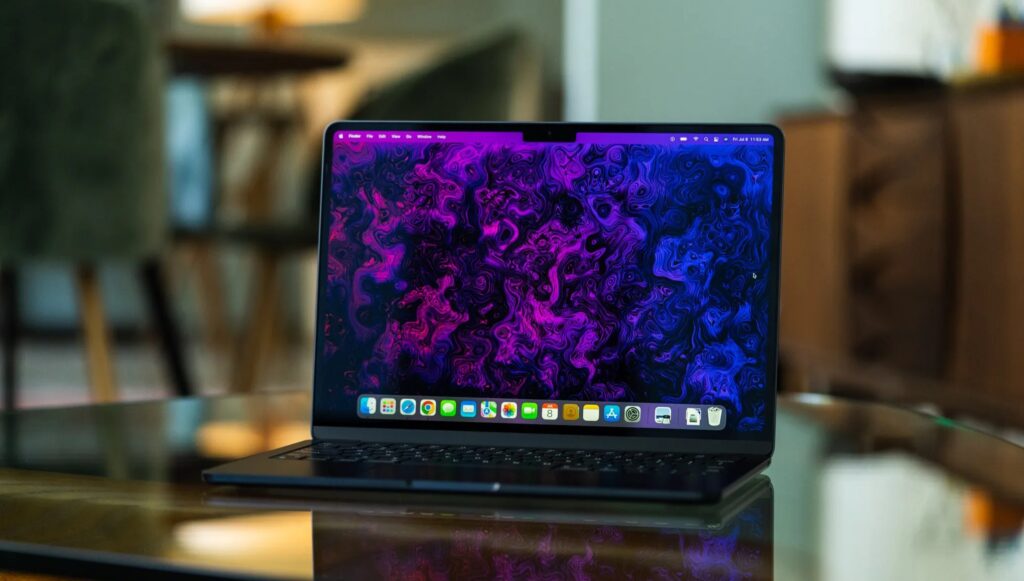
If you’ve been holding off on upgrading your MacBook Pro, you picked an interesting year to wait. Apple is reportedly planning what looks like the most significant MacBook redesign since the jump to Apple Silicon, and it’s not just a chip bump. We’re talking OLED display, a real touchscreen, Dynamic Island, and a slimmer chassis, all rolling into a late 2026 release window.
I’ve been following the MacBook benchmarks and real-world reviews closely, and this one feels different from the usual pre-launch noise. When Mark Gurman at Bloomberg starts filing consistent reports, the details tend to hold. So let’s break down what’s actually coming with the touchscreen OLED MacBook Pro 2026, what it means in practice, and whether you should wait or just buy the M5 now.
Apple Is Finally Breaking Its No-Touch Rule
For a long time, Apple’s position on touchscreen laptops was pretty clear: no. Steve Jobs made the ergonomic case against it in 2010, and Apple stuck to that line for years. The argument was that reaching up to touch a vertical screen gets uncomfortable fast. People called it “gorilla arm.” Apple engineers nodded. The world moved on.
That said, the touchscreen world has changed a lot since 2010. Displays are sharper, software is smarter, and people are already used to switching between touch and trackpad on iPads. The real question was never if Apple would eventually do it. It was how they’d make it feel intentional.
What Changed Apple’s Mind After 15 Years of Saying No
The honest answer is probably a few things at once. iPad usage patterns showed Apple that people can handle switching between input methods without it feeling broken. macOS has also been quietly borrowing from iPadOS for a few years now, with features like Stage Manager and Live Activities that make the two platforms feel less like separate worlds.
The timing makes sense too. OLED display panels are finally at a maturity level where the brightness and longevity concerns that held them back on larger screens have been addressed. Apple used Tandem OLED on the iPad Pro in 2024. Moving that tech to the MacBook Pro is a natural next step.
How the Touchscreen MacBook Pro 2026 Will Actually Work
This is where things get interesting, because Apple is not just bolting touch onto macOS and calling it done. According to Bloomberg’s reporting, the interface will be adaptive. When you tap the screen, controls shift to finger-friendly sizes. Pinch-to-zoom works. Fast scrolling works. When you go back to the trackpad, everything snaps back to the pointer-optimized layout you already know.
Apple is reportedly not marketing this as a touch-first device. You won’t have to use touch at all. But it’ll be there when you reach for the screen, which honestly is how it should work. For most people, you’ll still spend 90% of your time on the keyboard and trackpad. The touch layer is just there for the moments when it’s faster.
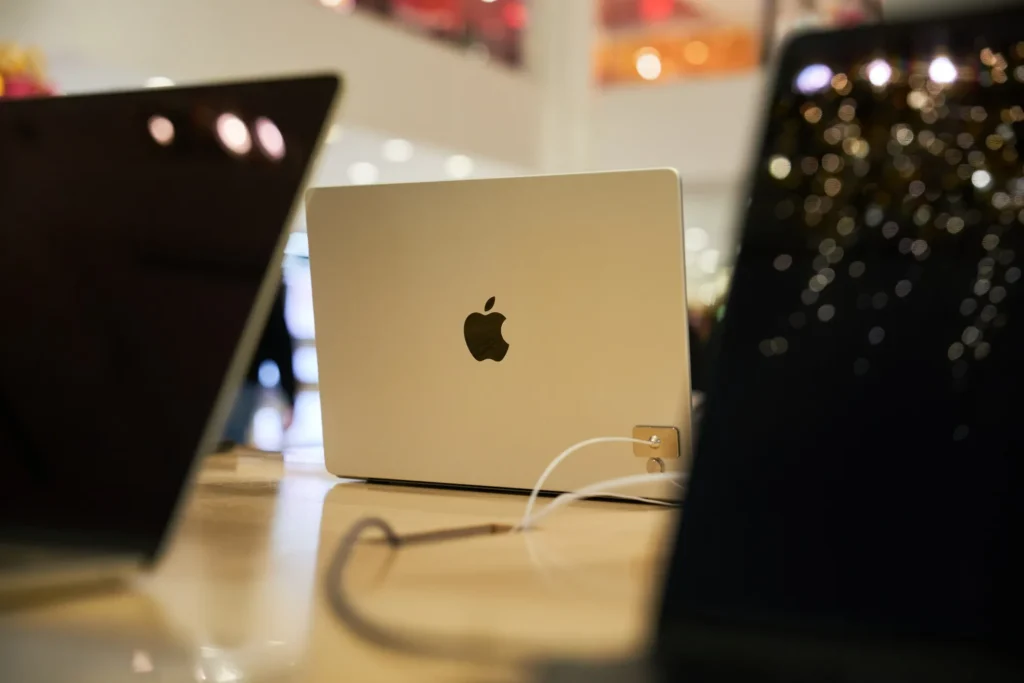
The OLED Display, Dynamic Island, and What They Mean in Practice
The display upgrade is the part I’m most interested in from a daily-use perspective. Mini-LED on the current MacBook Pro is genuinely good. But OLED has advantages that show up in real usage, not just on spec sheets.
OLED vs Mini-LED: Will You Actually Notice the Difference?
Yes, and pretty quickly. The thing about OLED is that blacks are actually black, because the pixels turn off completely. On mini-LED, you get local dimming that’s very good but not perfect. You sometimes see a faint glow behind dark content, especially in dimly lit rooms.
For video editors, photographers, and anyone doing color-critical work, the contrast difference is real. Apple is reportedly using Samsung Display’s 8th-generation OLED panels, which are expected to push brightness higher than previous OLED implementations, addressing the one area where OLED traditionally trails LCD. That’s a combination that should feel like a noticeable step up in everyday use.
Dynamic Island on a Mac… Does It Make Sense?
I was actually a little skeptical of this one at first. Dynamic Island on iPhone works well because you’re always looking at a small screen close to your face. On a 14 or 16-inch laptop, it’s further away and you’re less likely to glance at a small pill-shaped notification.
That said, after thinking about it more, I can see how it fits. macOS already supports Live Activities from iPhone. If you’ve got a timer running, a music track playing, or a build in progress, having that ambient info visible at the top of the display without opening a new window actually makes sense. Macworld notes that tapping the Dynamic Island on iPhone opens the relevant app, and the Mac version will likely work the same way. For workflows where you’re monitoring multiple things at once, that’s genuinely useful.
What Is the M6 Pro and M6 Max, and How Big a Jump Is It from M5?
The OLED MacBook Pro models are expected to skip M5 entirely and launch with M6 Pro and M6 Max chips, built on TSMC’s 2-nanometer process. That’s a meaningful node jump from the 3nm M4 generation. In practice, 2nm tends to deliver better performance per watt, which on a laptop means either faster sustained performance or better battery life, or some of both.
For performance benchmarks, the M5 Pro and M5 Max already sit at the top of consumer processor charts. The M6 generation bumping that further is expected, but the more interesting story is how it handles the new display and touch layer without burning through the battery. That’s the real test, and we won’t know until reviews land.
Apple is reportedly planning two MacBook Pro refreshes in 2026: an M5 Pro and M5 Max update arriving in spring, and the full OLED touchscreen redesign arriving toward the end of the year. So if you buy the M5 now, you’re not getting a years-old chip. You’re getting a spring 2026 update that’s still very fast.
Is the Touchscreen MacBook Pro 2026 Going to Replace the Current MacBook Pro?
This is where the rumor pool gets a little muddy. Initial reports from Bloomberg’s Mark Gurman described the OLED model as the next MacBook Pro. A more recent report suggests Apple may position it as a new “MacBook Ultra” tier, sitting above the standard MacBook Pro lineup with the M5 Pro and M5 Max models continuing alongside it.
If the MacBook Ultra angle is accurate, the current MacBook Pro isn’t going anywhere. It just gets a sibling. That also signals a higher price point for the OLED model, so if budget is a factor in your decision, that’s worth keeping in mind.
Should You Buy a MacBook Pro Now or Wait Until 2026?
This is the actual question most people are sitting with, so let’s be direct about it.
Who Should Wait
If you’re on a 2020 or 2021 Intel MacBook Pro and the machine still runs your daily workflows without too much friction, wait. The jump to OLED, M6, and touchscreen in one release is significant enough that it’ll feel like a generational shift rather than an incremental one.
Same goes if display quality is central to your work. Color grading, photo editing, illustration, anything where blacks and contrast matter in your productivity workflows day to day. The OLED panel alone will be worth the patience.
And if you’re someone who’s been quietly reaching for your screen on every other laptop you’ve used and then remembering Macs don’t do that, wait. This one’s for you.
Who Should Just Buy the M5 Now
If your current machine is genuinely slowing you down and you can’t wait until Q4 2026, the M5 Pro MacBook Pro is not a consolation prize. It’s fast, the mini-LED display is excellent, and battery life is strong in real-world use. Buying it now means you get a full year or more of a great machine before the new one even ships.
Also, first-gen anything carries risk. First-gen touchscreen implementation on macOS means first-gen developer support, first-gen hinge durability data, and first-gen OLED longevity numbers. Some people prefer to let the early adopters sort out the rough edges.
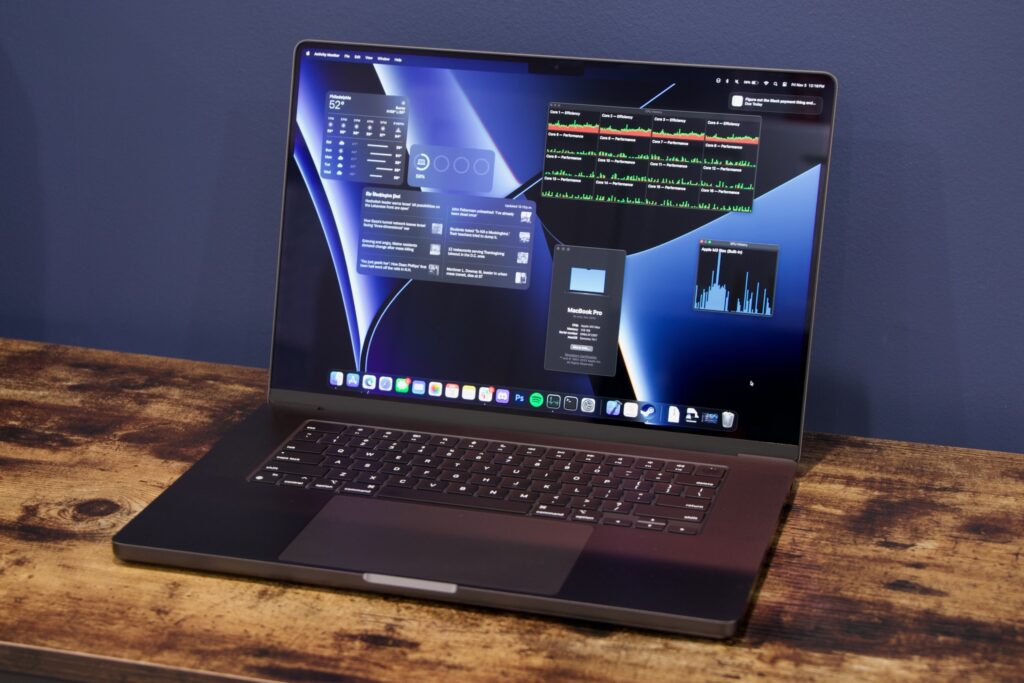
The Honest Tradeoffs Nobody Is Talking About
Most coverage of the touchscreen MacBook Pro 2026 is either pure excitement or pure skepticism. The reality will probably land somewhere in the middle, like it usually does.
Fingerprints, Hinges, and First-Gen Risks
Touch panels on laptops get dirty. That’s just true. The screen you’ve kept pristine for two years because you never touch it will look different when you’re using it as an input surface. Apple will likely use an oleophobic coating, but fingerprints on a glossy OLED panel in direct light is a real consideration for people who care about that.
The hinge is another one. Reports indicate Apple is working on a sturdier hinge design specifically to handle the physical pressure of touch input. That’s encouraging. But a sturdier hinge typically means more resistance when opening the lid one-handed, which current MacBook Pros do beautifully. Tradeoffs, as always.
You can also check Mac optimization guides if you’re running into performance issues on your current machine in the meantime. A lot of what feels like hardware fatigue on older Macs is actually software and storage related.
What’s Still Missing
Face ID is the one thing I keep expecting to see in these rumors and it hasn’t shown up yet. A hole-punch camera is confirmed. Dynamic Island is confirmed. But Face ID, the feature that would actually make touching the screen feel more iPhone-like in terms of authentication, is still not in the picture.
It might come later. It might not make it into this generation at all. But for anyone imagining a fully iOS-style unlock experience on a Mac, that piece isn’t confirmed yet.
The Bottom Line
The touchscreen OLED MacBook Pro 2026 is shaping up to be a genuinely interesting machine, not because of any single feature, but because of how the pieces fit together. OLED display quality, touch input done the Mac way (as an option, not a replacement), Dynamic Island for ambient task awareness, and M6 chips on a new process node. That’s a lot of meaningful changes in one release.
Honestly, if you can stretch your current machine to late 2026, this one looks worth waiting for. If you can’t, the M5 is a strong machine right now and you won’t regret it.
We’ll keep tracking the latest as the release window gets closer. If you want to stay on top of MacBook performance comparisons and real-world testing, check out the MacBook reviews section or browse the full benchmark tests for how current models actually stack up in everyday use.



One Response