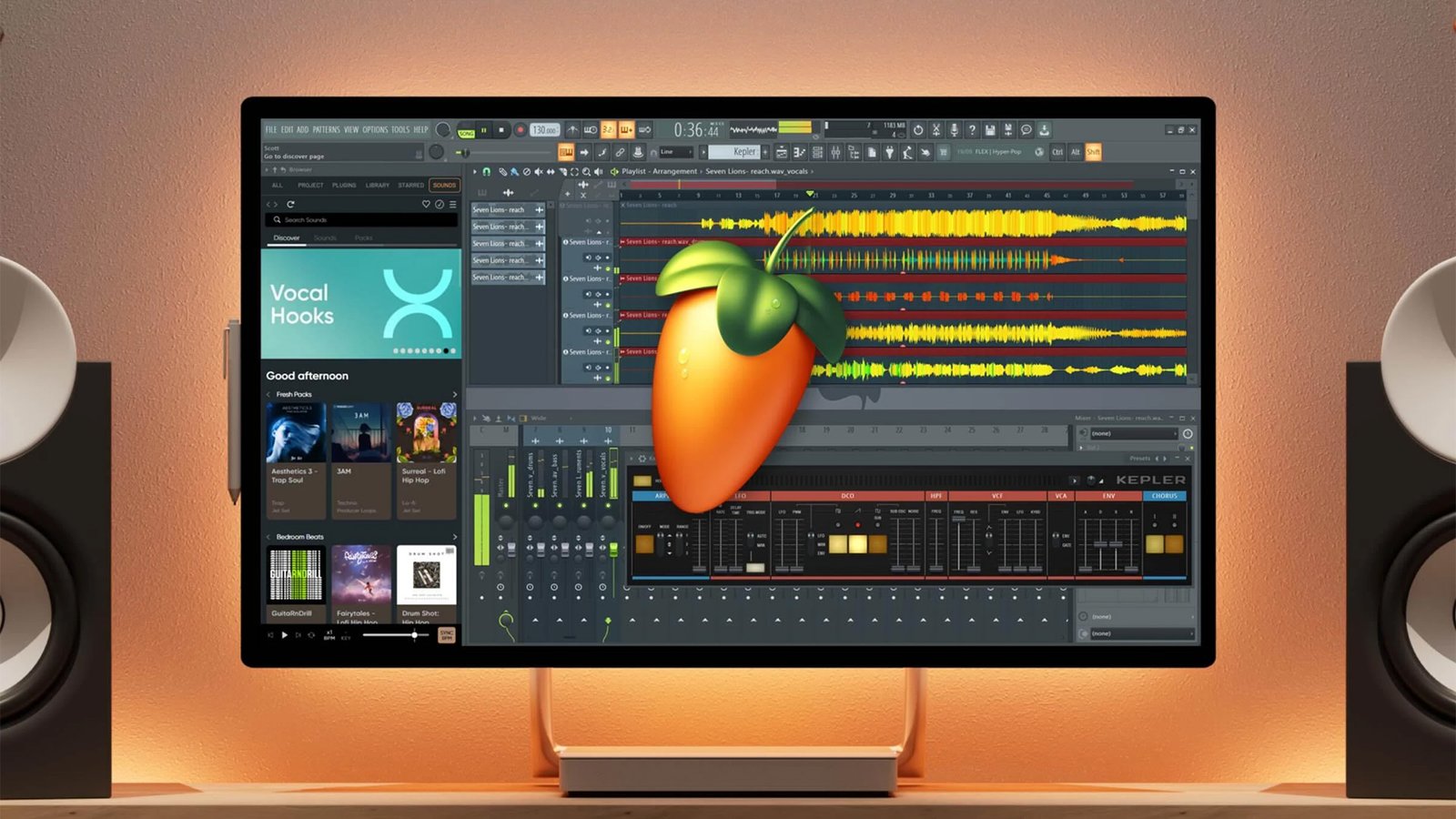
FL Studio Producer Edition is the best fit for most serious FL Studio users. It unlocks full audio recording, Audio Clips, Stem Separation, and useful editing tools. It also includes Lifetime Free Updates for your purchased edition.
That makes Producer Edition much more flexible than Fruity Edition. However, it still leaves some premium Image-Line plugins for higher bundles. So, the real question is whether its feature set matches your workflow.
FL Studio Producer Edition Price
FL Studio Producer Edition sits between Fruity Edition and the higher FL Studio bundles. Image-Line sometimes changes promotional pricing, so check the official store before buying.
However, the main value is not only the purchase price. You also get Lifetime Free Updates. Therefore, future FL Studio updates for your purchased edition do not require normal paid version upgrades.
You can check current pricing on the official FL Studio pricing page.
What Is FL Studio Producer Edition?
Producer Edition is Image-Line’s full production-focused FL Studio tier. It includes the core sequencing, mixing, MIDI, automation, and plugin workflow.
More importantly, it adds the audio features missing from lower tiers. You can record vocals, instruments, and other audio directly into your projects.
For many users, that is the point where FL Studio feels complete. Fruity Edition works for simpler beat making, but Producer Edition supports broader music production.
What Features Does FL Studio Producer Edition Include?
Full Audio Recording
Producer Edition supports full audio recording inside FL Studio. You can record vocals, guitars, microphones, hardware synths, and other sources.
This matters if you plan to make complete songs. Fruity Edition has more limited audio features, so recording-heavy users should start here instead.
Audio Clips in the Playlist
Producer Edition gives you a full Audio Clip workflow in the Playlist. You can place recordings, samples, patterns, and automation in one arrangement.
As a result, larger sessions become easier to manage. This also makes FL Studio more practical for editing complete songs instead of only building loops.
Stem Separation
Stem Separation can split mixed audio into separate musical parts. That is useful for remixing, sampling, and extracting vocals or instruments.
However, results depend on the source audio. Complex mixes can still produce artifacts, so treat the tool as a practical helper instead of perfect isolation.
Image-Line lists Stem Separation in Producer Edition and higher tiers on its edition comparison page.
Edison Audio Editor
Producer Edition includes Edison, one of FL Studio’s main audio editing tools. It handles waveform editing, recording, trimming, cleanup, and detailed sample work.
This is useful when a recording needs more control than simple Playlist edits. For example, you can clean a clip before placing it back into the arrangement.
Newtime
Newtime helps with timing correction and audio warping. You can adjust the timing of vocals, loops, and instrument recordings.
Therefore, it is useful when a performance feels slightly off-grid. It also helps when an older sample needs to match your project tempo.
More Included Effects
Producer Edition includes more Image-Line effects than Fruity Edition. These tools expand your mixing, sound design, and audio processing options.
Still, plugin count should not be your main buying reason. The stronger reason is the complete recording and audio editing workflow.
FL Studio Producer Edition vs Fruity Edition
Fruity Edition costs less and still includes many core FL Studio features. You get the Piano Roll, Mixer, MIDI workflow, automation, and support for third-party plugins.
However, Producer Edition removes major audio limits. That makes it the better choice for users who record vocals, instruments, or external audio.
- Full audio recording
- Full Audio Clip workflow
- Stem Separation
- Edison
- Newtime
- Broader audio editing tools
So, Fruity Edition makes sense for basic MIDI and beat production. Producer Edition gives you much more room to grow.
FL Studio Producer Edition vs Signature Bundle
Signature Bundle includes the Producer Edition feature set. However, it also adds more Image-Line plugins and creative tools.
For example, higher bundles can include tools such as Gross Beat, Newtone, and other premium effects. These extras can be valuable, but not every producer needs them.
Therefore, Producer Edition remains the stronger value for most users. You can always upgrade later if those extra plugins become important.
What Are the Limits of FL Studio Producer Edition?
Producer Edition removes many workflow limits, but it does not include every Image-Line plugin. Some instruments and effects remain exclusive to higher editions.
That said, FL Studio supports third-party plugins. So, you are not locked into the stock plugin collection.
On Windows, FL Studio supports common plugin formats such as VST. On macOS, supported third-party formats also include Audio Units where applicable.
Before buying plugins, always confirm platform support and current FL Studio compatibility. Older plugins can create stability or validation problems.
Is FL Studio Producer Edition a One-Time Purchase?
Yes. FL Studio Producer Edition is sold as a one-time purchase. Image-Line includes Lifetime Free Updates with paid FL Studio editions.
That means you can keep updating your purchased edition as FL Studio evolves. You do not need to buy every major version again.
This is one of FL Studio’s biggest long-term advantages. You can read Image-Line’s policy on the Lifetime Free Updates page.
Does FL Studio Producer Edition Work on Windows and Mac?
Yes. FL Studio is available for both Windows and macOS. Image-Line also supports modern Intel and Apple Silicon Mac systems.
However, your real performance depends on project size. Large sample libraries, synths, and effect chains can use significant CPU and memory.
Before installing, check the current requirements on the official FL Studio download page. Also confirm that your audio interface has current drivers.
Can You Use FL Studio Producer Edition on Multiple Computers?
Image-Line allows a single licensed user to install FL Studio on their own computers. That can include a desktop and laptop used by the same person.
However, you should not share your license with another user. Schools, companies, and shared environments need the proper license setup.
This makes FL Studio practical if you switch between a Windows desktop and a Mac laptop. Still, each machine should remain for your personal use.
Who Should Buy FL Studio Producer Edition?
Producer Edition makes sense for users who want a complete FL Studio workflow. It also works well for beginners who expect their projects to become more advanced.
- Vocalists recording directly into FL Studio
- Beat makers who also work with audio samples
- Guitarists and instrumentalists
- Producers using Stem Separation
- Users who want Edison and Newtime
- Creators planning to keep FL Studio long term
For most people, this is the safest edition to buy first. It avoids the biggest limits without forcing you into the most expensive bundle.
Who Should Skip Producer Edition?
Fruity Edition may be enough if you only use MIDI and software instruments. It can also work for simple beat making without recorded audio.
On the other hand, Signature Bundle may suit you better if you already need its extra plugins. All Plugins Edition targets users who want Image-Line’s widest native toolset.
So, your choice should come from your workflow, not the biggest feature list.
Is FL Studio Producer Edition Worth It?
For most producers, FL Studio Producer Edition is worth it. The biggest benefit is not simply more effects or instruments.
Instead, it removes the audio limits that can slow down real projects. You get recording, Audio Clips, Stem Separation, Edison, Newtime, and a stronger editing workflow.
Lifetime Free Updates also improve the long-term value. Therefore, Producer Edition is a strong starting point for users who plan to stay with FL Studio.
Frequently Asked Questions
Is FL Studio Producer Edition good for beginners?
Yes. Producer Edition gives beginners room to grow without major audio limits. You can learn beat making, recording, editing, and mixing in one version.
Can FL Studio Producer Edition record vocals?
Yes. Producer Edition supports full audio recording. That makes it suitable for vocals, instruments, and other external audio sources.
Does FL Studio Producer Edition include Stem Separation?
Yes. Stem Separation is available in Producer Edition and higher editions. However, separation quality can vary with complex source material.
Does Producer Edition include every FL Studio plugin?
No. Producer Edition includes many useful instruments and effects, but some Image-Line plugins require higher bundles.
Can I upgrade FL Studio later?
Yes. Image-Line offers edition upgrades. So, you can start with Producer Edition and move to a higher bundle later.
Conclusion
FL Studio Producer Edition offers the best balance for most FL Studio users. It gives you the full recording and audio workflow without requiring the highest-priced bundle.
If you make complete songs, record vocals, or work heavily with samples, Producer Edition makes sense. Fruity Edition costs less, but Producer Edition gives you much more room to grow.
Before buying, check Image-Line’s current pricing and feature comparison. Promotions and included plugins can change over time.